Layout sizes, explained
Keyboard sizes are named by how much of the full layout remains. Typical widths below are approximate, and brands vary by a centimetre or two.
| Layout | Typical width | Keeps | Loses |
|---|---|---|---|
| Full-size | ≈ 44 cm | Everything | Nothing, but costs ≈ 616 cm² |
| Tenkeyless | ≈ 36 cm | Function row, arrows | Number pad |
| 75% | ≈ 32 cm | Function row, arrows | Number pad, some gaps |
| 60% | ≈ 29 cm | Letters, numbers | Function row, arrows (on a layer) |
We rate the 75% layout as the sweet spot for desk workers. At about 32 × 12 cm it uses 384 cm², a saving of roughly 230 cm² over full-size, and it keeps the arrow keys for spreadsheets and the function row for shortcuts.
Folding and portable boards
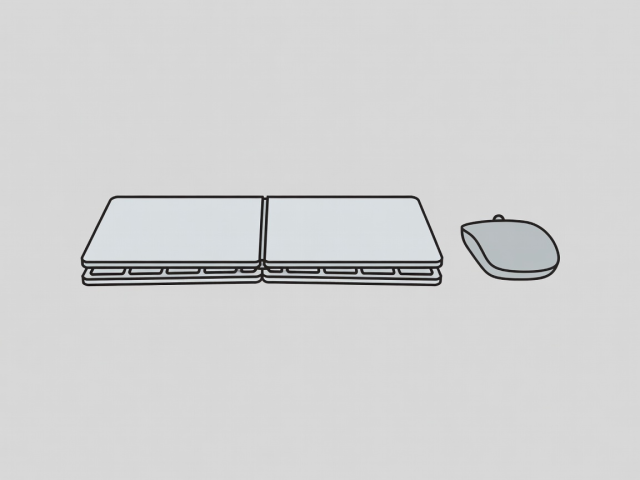
Folding Bluetooth keyboards open to a normal width and close to about half that, so they slip into a bag or a drawer. They suit students and hot-desking remote workers. The trade-offs are shallower key travel and a bit of flex, so test the typing feel before committing. Look for multipoint pairing if you switch between a laptop and a phone.
The mouse side
A mouse needs space too. Three tricks keep it small:
- Use a compact mouse and a 20 cm pad, or no pad on a matte desk.
- Try a trackpad parked beside the keyboard. It sits in line with the keys and needs no sweeping room.
- Choose a vertical mouse if your wrist complains, since it is narrower than it looks.
Keyboard trays
A clamp-on sliding tray puts the keyboard and mouse below the desk top and slides away when you stop typing. It frees the whole keyboard zone for paper, and it can improve elbow height on a high desk. Check clearance for your knees, the desk's thickness range and the tray's weight rating. Very thin desks need a reinforced edge.
Typing posture
Aim for neutral wrists and elbows near a right angle, as workstation ergonomics standards such as ISO 9241 describe. A smaller keyboard lets your hands sit closer to your body, which many people find easier on the shoulders. If you have pain or numbness, see a health professional. This page is general information, not medical advice.
Switching without suffering
- Pick a layout that keeps the keys you use most, usually arrows and function row.
- Give yourself a week. Muscle memory needs a few days to remap.
- Keep a number layer or on-screen pad for the odd sum rather than buying a separate pad.
- Re-measure your desk. If the saving is under 150 cm², the switch is probably not worth it.
One-line verdict
If your desk is 100 cm wide or less, go for a 75% board or a folding board and a trackpad. Slide it away when you are not typing.